
Redirect Scenarios
Redirecting non-existent pages and URLs
Admins can configure custom redirects for non-existent pages. For more information, see our docs for Error Pages and Redirects.
External Link Pages
Pages can be set to an "External Link" type, essentially turning the page URL into a redirect to a specific link.
To set a page as an External Link, click on the Page dropdown at the top of a page, then select External Link.
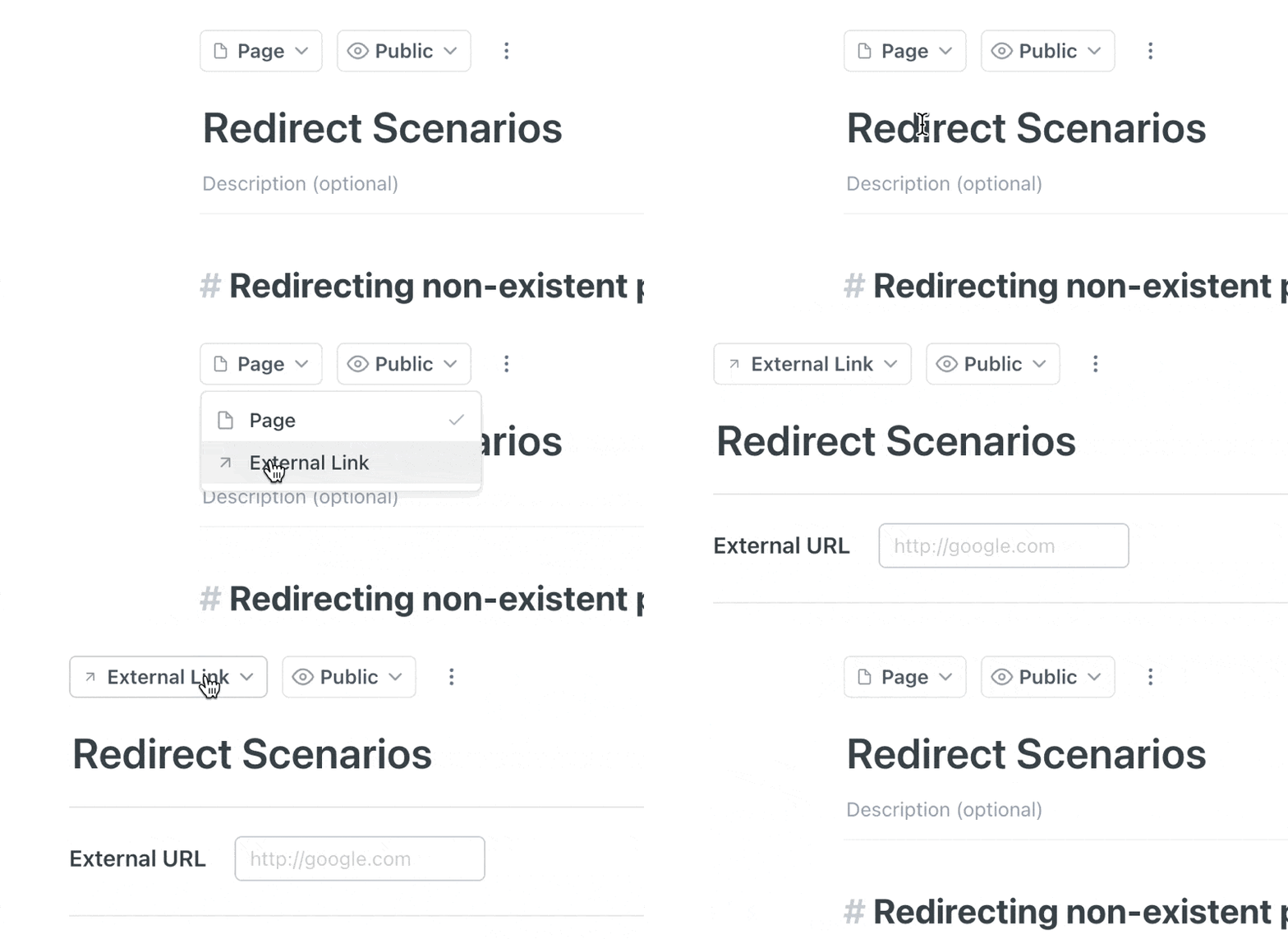
The page type can be set from the dropdown menu above the page title
External Link redirects will only work if the page is set to Public.
Updated page slug redirects
When a page slug has been updated, we automatically redirect visitors from the old page slug to the updated slug. This behind-the-scenes redirect only applies to the most recent slug change.
For example, if a page with the original slug dog-0 has its slug updated to dog-1, we automatically redirect visitors from the dog-0 URL to the updated dog-1 URL. However, if the page is renamed again to dog-2, we'll redirect visitors from dog-1 to dog-2, but not from dog-0; the original dog-0 URL will 404 when visited.
Custom domain redirects
If a project has been configured with a custom domain, we'll redirect visitors from the project's original readme.io subdomain to the custom domain.
For example, if a project at cats.readme.io has been configured with the custom domain docs.cats.org, any visitors who attempt to load cats.readme.io will be automatically redirected to the docs.cats.org.
Updated over 2 years ago